Pulsyn Try it free
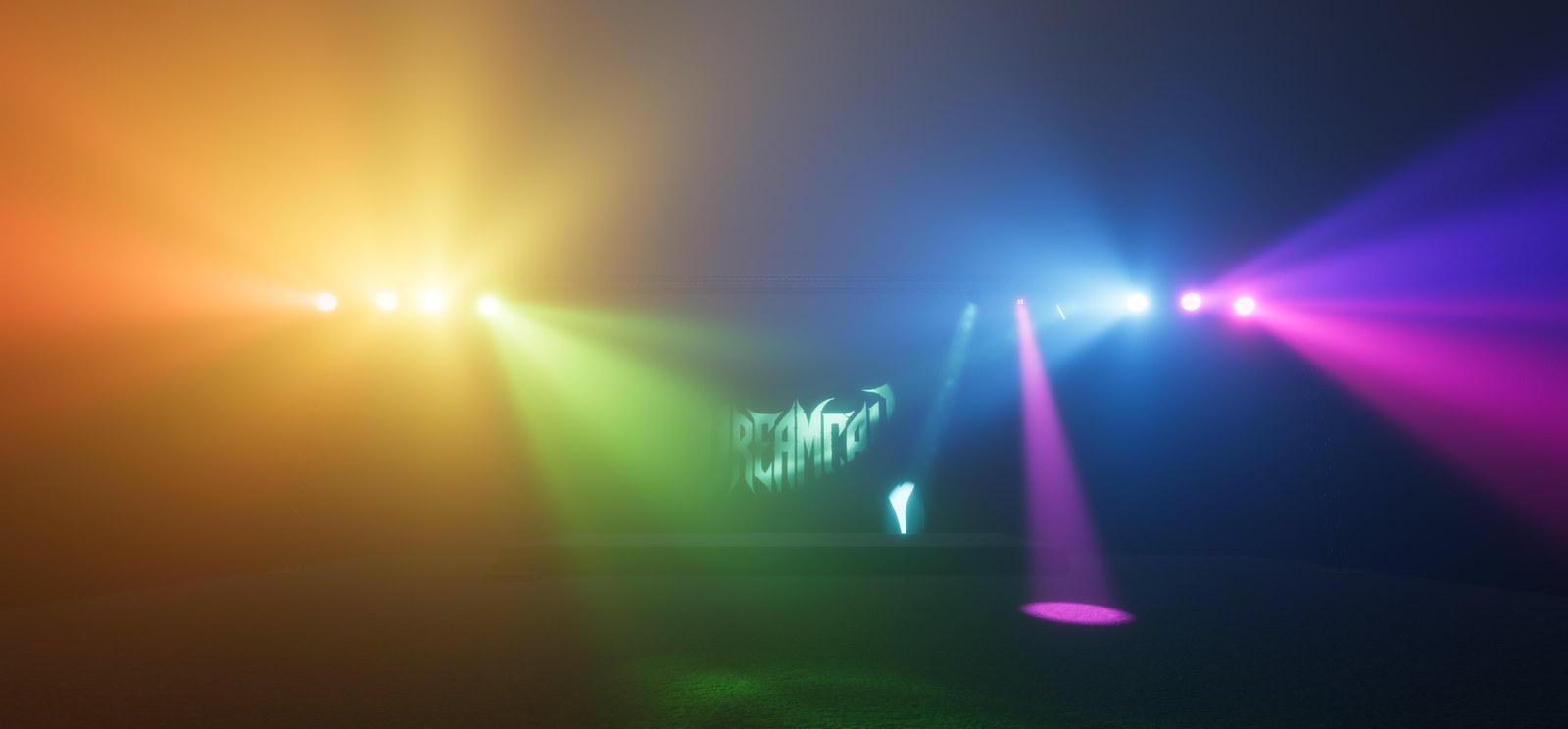
Coloured beams and moving heads over a stage in Pulsyn Simulator

Compose the light

Write the lights like a song.

Pulsyn turns MIDI notes in your DAW into a light show – no lighting desk, no course, no subscription. Made by a band, for bands.

This is Pulsyn

  1. 1

    Put Pulsyn on a track

    It's a VST3 instrument. Add it in Studio One, Cubase, Reaper, Ableton Live – whatever you record in.

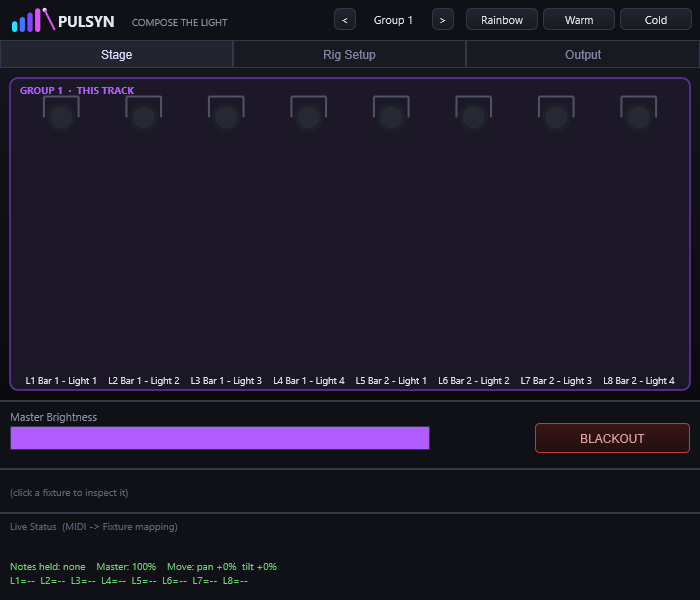
    The Pulsyn plugin window
  2. 2

    Hang your lights in the simulator

    Add your PARs, LED bars and moving heads, give each one its DMX address, and put them where they hang on stage. 600+ lights are in the built-in list – look up yours.

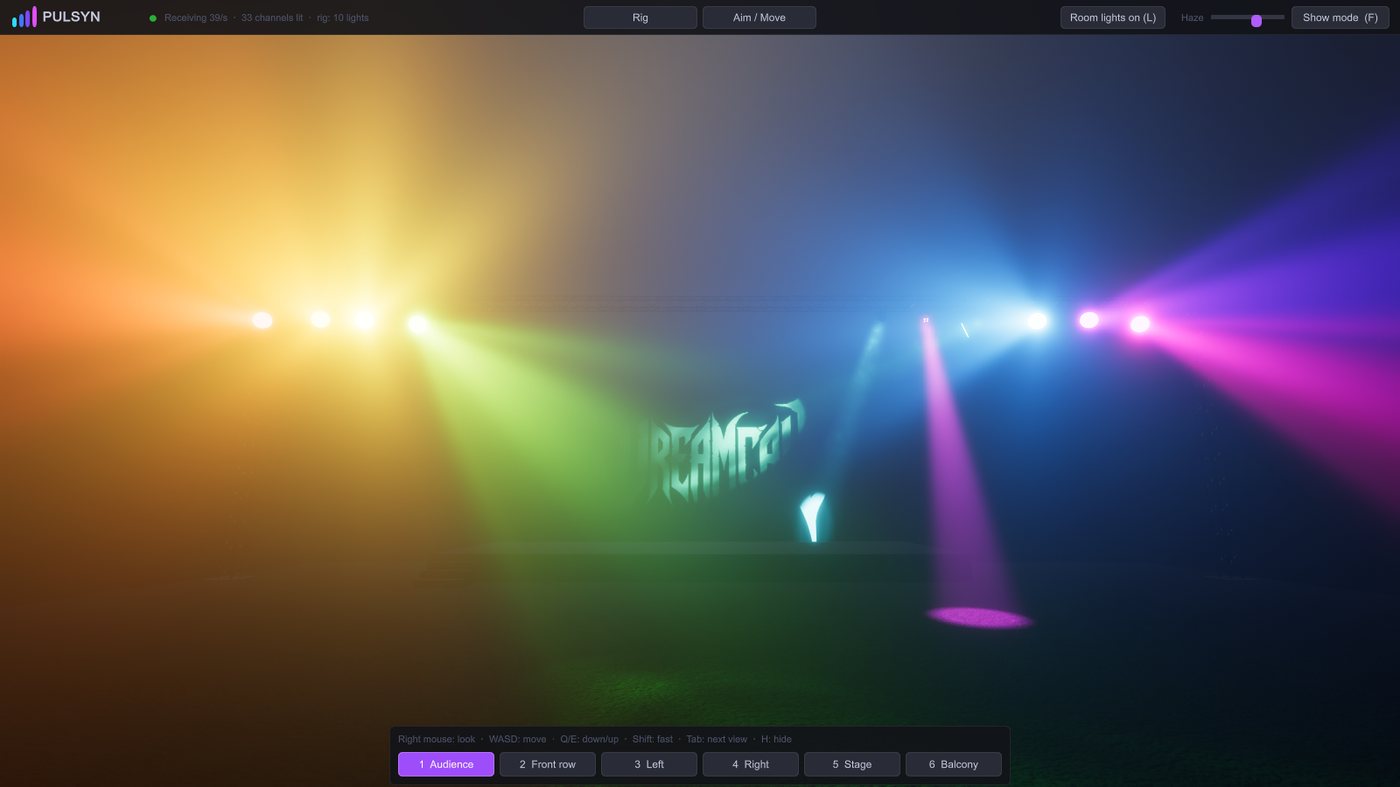
    Pulsyn Simulator showing a stage with lights
  3. 3

    Draw notes. Press play.

    Each light gets its own octave. The note picks the colour, velocity sets the brightness and C# is strobe. Moving heads follow your automation. Play the song and the lights play with it.

See it in our rehearsal room

Video goes here.
Filmed in Dreamcall's rehearsal room: the DAW on screen and the real lights playing along.
No effects, no editing tricks – a Pulsyn project playing our real lights.

How it started

Our band, Dreamcall, played a competition for metal bands. Afterwards we were told we would have won – if the lights had been better.

So we bought lights and sat down to program them. After five hours we had one light switched on. Five hours later we had lost it again and were back at square one.

Then it hit us: we already know MIDI. Why not write the lights like the music? Way too many late nights later, we were playing our lights from MIDI notes. We sanded it down, made it simple, and called it Pulsyn.

Either we're just stupid and don't get normal lighting software, or there are more bands like us out there. We're betting on the second one.

– Dreamcall

Why bands use Pulsyn

You already know how to write a song in a DAW. Pulsyn makes the lights one more part of that song – so the show is ready when the song is.

Here's the setlist.

Pulsyn – the set

  1. No lighting desk to learnIf you can draw MIDI notes, you already know how.
  2. The lights live in the songNew bridge? Tempo change? The lights move with it.
  3. Rehearse the show at homeThe 3D simulator shows it all – no lights in the rehearsal room.
  4. Same project, real lightsPlug a DMX dongle in at the gig. That's it.
  5. $49. Once. It's yours.Try it free for 7 days first. No subscription.

Encore: made by a band, not a software companyWe play gigs too. We built what we needed.

Free for 7 days

Download it and test it with your own lights, in your own DAW. Everything works – no card, no account.

Windows 10 or 11 (64-bit). macOS 12 or later, Apple silicon and Intel. For real lights on a Mac, install FTDI's free D2XX driver.

Not sure about your lights? Search 600+ lights and see what Pulsyn does with each one.

Then $49

Pay once and it's yours. VAT included.

  • Pulsyn plugin (VST3) and Pulsyn Simulator
  • Windows and macOS
  • Licence key by email right after you pay
  • Every update in version 1.x

Card, Apple Pay or Google Pay through Stripe. By buying you accept the terms.

  • Your DAW runs the show at the gig – like backing tracks or a click.
  • VST3 on Windows and macOS. Logic Pro only runs Audio Units, so it isn't supported yet.
  • Real lights need an ENTTEC Open DMX USB (or compatible). On a Mac, also FTDI's free D2XX driver.
  • One DMX universe, 512 channels: up to 8 lights per track and up to 16 tracks.

Something else? Ask us – we answer when we're not rehearsing.

Will my lights work?

Search 600+ lights – PARs, LED bars, moving heads and hazers – and see what Pulsyn does with every channel. The ones we run ourselves, the Equinox Fusion 40 and the Gear4music Cosmos Par Can, are tested by us.

Not in the list? Make the type yourself in the simulator, or ask us.